Thanks for joining me!
Big journeys begin with small steps. — Unknown
As I sat down pondering what I want this website to be, I thought, I just want this website to be straight forward and easy. Simple idea right!…but oh how the beginning of this journey was challenging. I began thinking where does this process start? With social media, with a website, with real people actually following me? [it’s very intimating wondering if you are ideas are something that others will actually take an interest in] A coworker of mine (more of an amazing friend) always comes into my classroom asking for quick and easy tips and tricks on how to implement some new teaching strategy or technology, and every time she leaves she says that I should create a website to share the tips with the world (hence the idea for the name of the website Educational Tips & Tricks). And because of her suggestions and the support of my husband, I decided it was time to create this website! I am a lucky one to have positive people in my life encouraging me to share my knowledge. My goal is simple, to just save teachers time while helping share new teaching ideas and educational technology.
Step 1: What website builder?
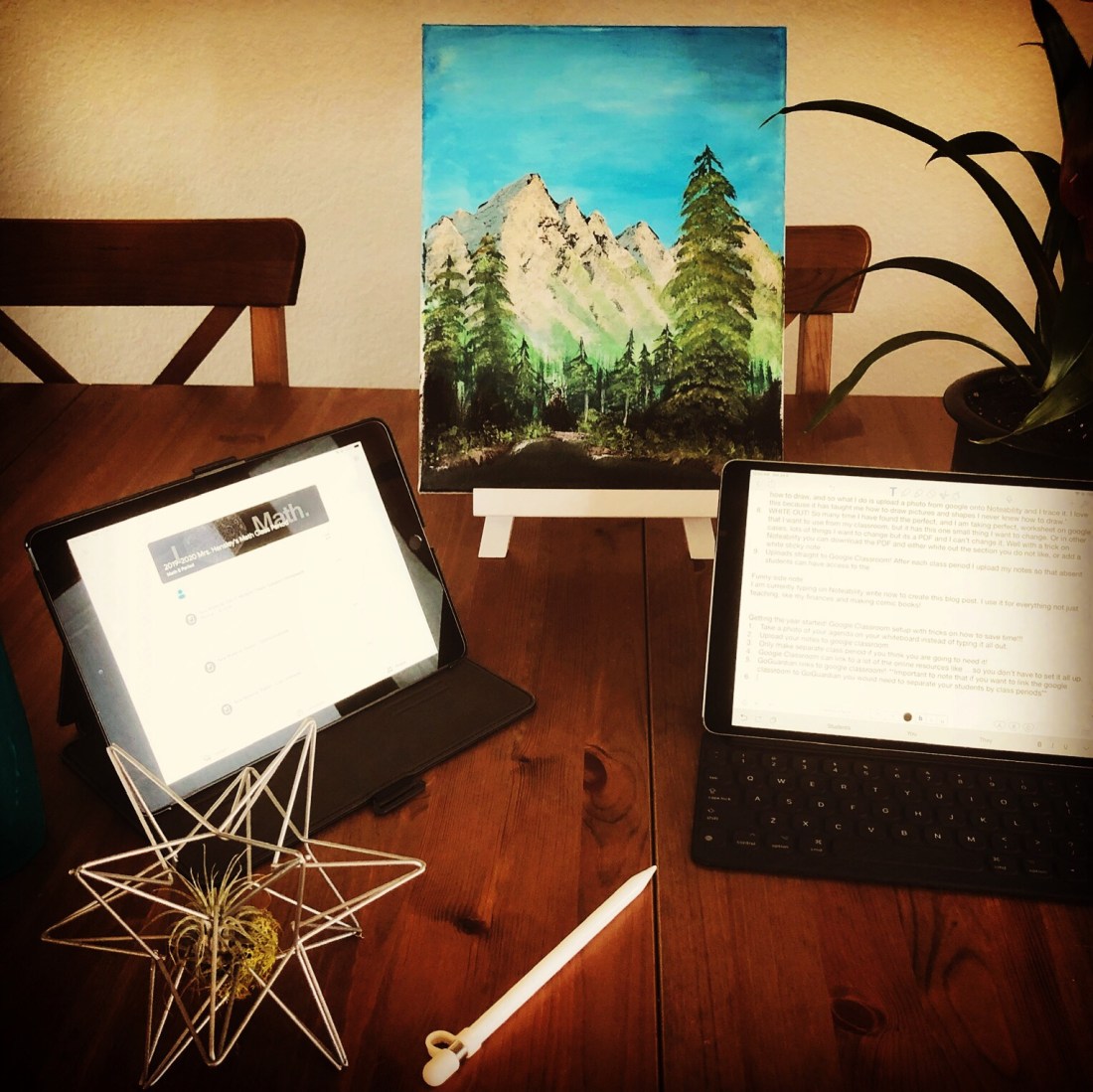
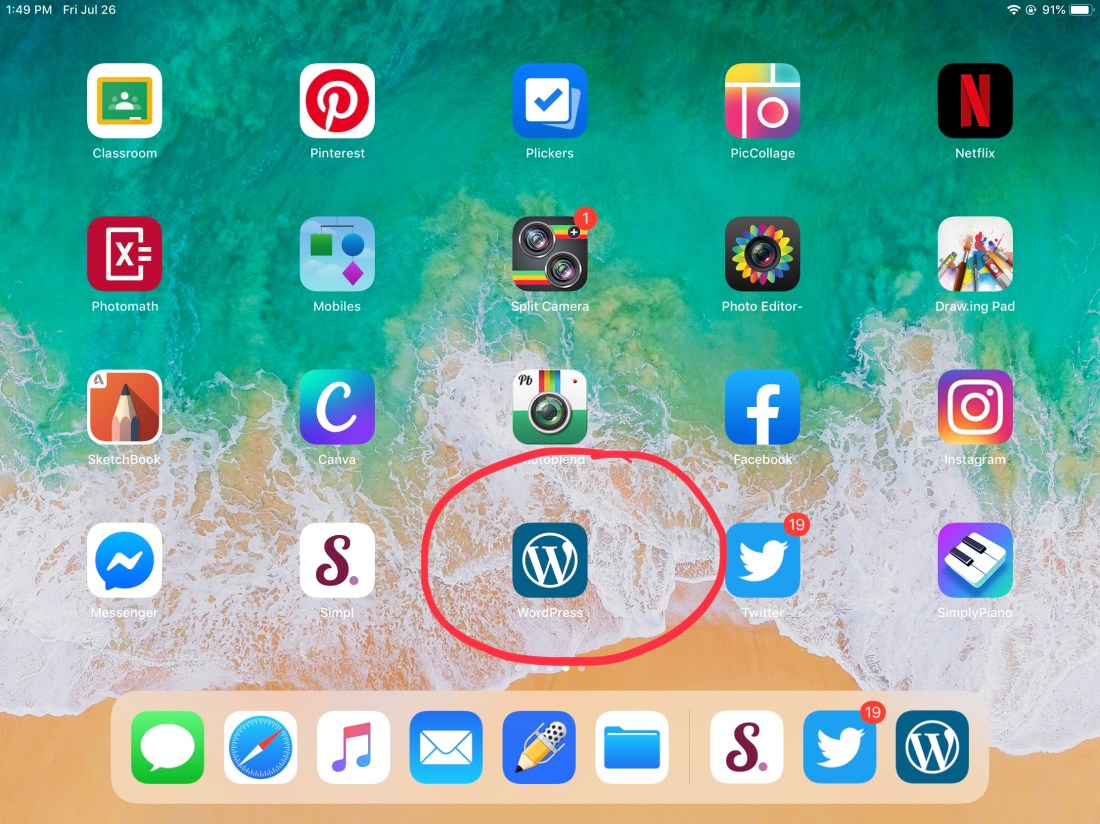
I am all about the FREE stuff! I am super cheap and proud of it! So my goal was to find a simple website creator that would be FREE or pretty cheap. I tried about 8 different website builders and I finally found the one that fits my needs. My main issue was that I am using my iPad for everting. Many of the website builders do not support the iPad or at least don’t support it well. WordPress actually does a great job on the iPad and has a lot of editing options. And it’s FREE!
Step 2: The Website
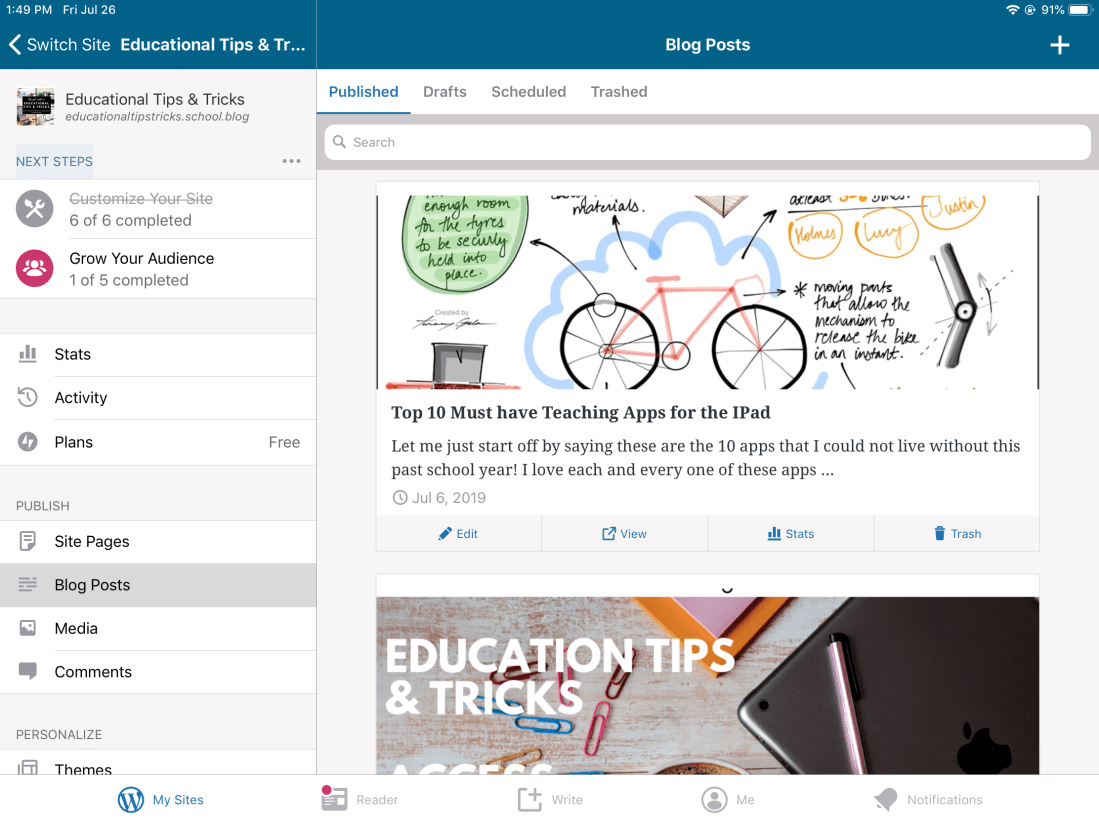
What to put on the website? Since I am planning on being the instructional coach at my school, I thought it would be nice to incorporate an area that supports my colleagues. A major aspect of the website that I want it to have is for it to be easy to navigate. I am hoping to be able to share a link to a friend on social media or in person and have it bring them right to what they are looking for. Also, that the website is organized enough so that you can look for something that catches your attention without having to scroll for hours through posts that do not interest you.
Step 3: Creating the Vibe
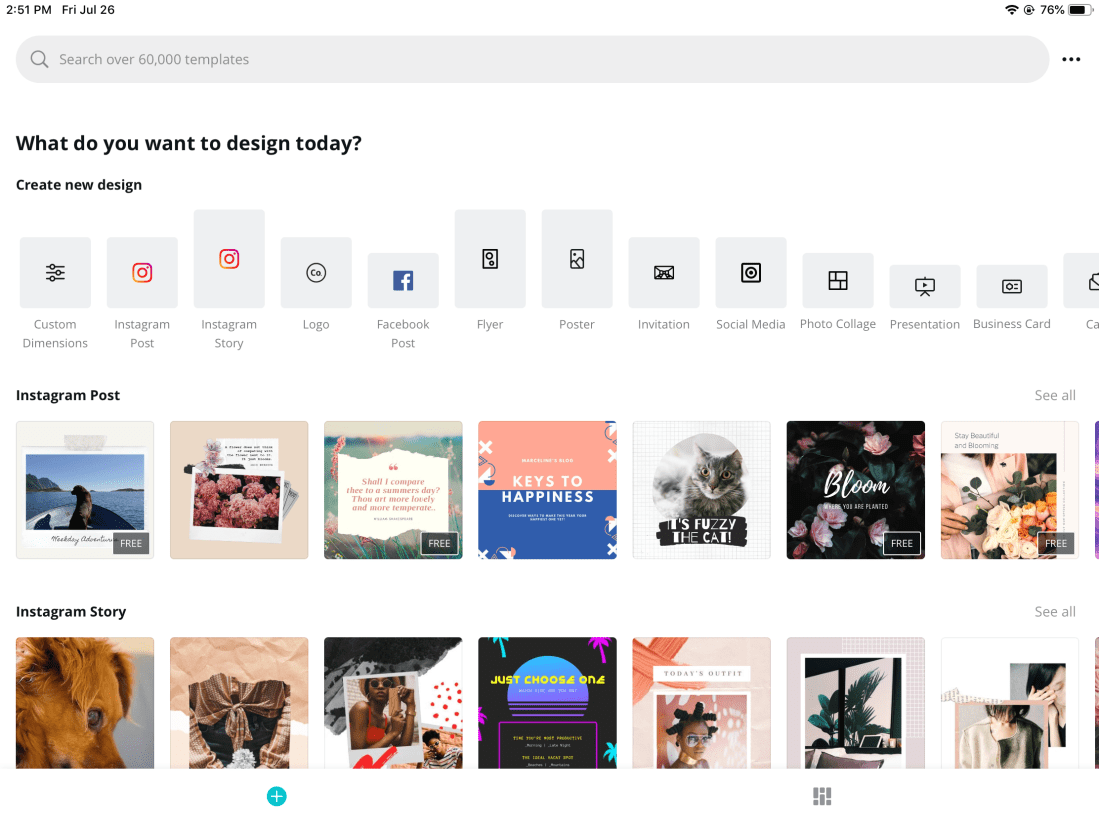
Creating the vibe for my website was actually very enjoyable. I sat down for a few hours on Canva and looked for the images that best fit what I was looking for. Canva is so incredibly easy to use. An English teacher at my school actually introduced me to Canva this past school year. She used Canva for her multi-genre English project where the students were able to make pictures, business cards, recipes, posters and so much more for their topic theme and it is FREE!! My vide is a more relaxing professional theme so I chose to make images that represented the professional hardworking side of teaching such as coffee mugs and technology (because as you may notice by now, I love technology!). The image at the top of this blog post and the image on the homepage of my website is from Canva. To use Canva you can download the app or click on Canva and log in. I will make a video some time this year on how to use Canva and some teaching strategies and projects teachers have used with Canva.
Step 4: Social Media
Now to spread the word. Social media is where everything is at so of course I needed to make a social media network to go with the website. I will post all the information from the website onto Facebook, Twitter, and Instagram so that it will hopefully help catch a teachers attention without them having to go to the website to look for it. I will post weekly tips and strategies and I might even navigate into learning how to make podcast for those who enough it. I think it would be great to interview different teachers who teach different subject matters and share it with the world. Hopefully this will encourage people to partake in more cross curriculum strategies and activities. I love anything that allows for cross curriculum in the classroom! Blog posts are a new concept to me, but I thought “hey, why not?” So here I am writing blog posts now lol.
Facebook: @EducationalTipsTricks
Instagram: @Educational_Tips_Tricks
Twitter: @Edu_Tips_Tricks

What Next? “How to” Videos
My first “how to” video will be about google classroom and how to start up the year with easy tricks for google classroom. Since it is the start of the school year soon, my goal is to show teachers how to get their classroom setup to use technology for the teachers and students benefit. I will then transition into more everyday tips and tricks, and I will share as many new educational strategies as I can find. And hopefully one day people can even send me requests and I can help find tips on how to make teaching more efficient and hands on and not too much extra work!
 Educational Tips & Tricks